Information Center
Maximize Your Li-ion Battery Life: Instructions for Using a Charger
Published:2023-06-17 10:32:08 Author:Green WCND Views:76Li-ion Battery Charger Instructions
Lithium-ion batteries are widely used in various electronic devices, from smartphones to electric vehicles. In order to keep these batteries functioning optimally, users need to charge them correctly. Li-ion battery chargers come in different shapes and sizes, but they all have a common goal: to provide the right amount of energy to the battery without damaging it. In this article, we will provide some instructions for using a Li-ion battery charger.
1. Always use the correct charger
Each lithium-ion battery has a specific charging voltage and current, and it is important to use a charger that matches these specifications. Using the wrong charger can result in overcharging, which can cause the battery to overheat and decrease its lifespan. Therefore, always look for a charger that is specifically designed for your device and check its voltage and current ratings before using it.
2. Connect the charger properly
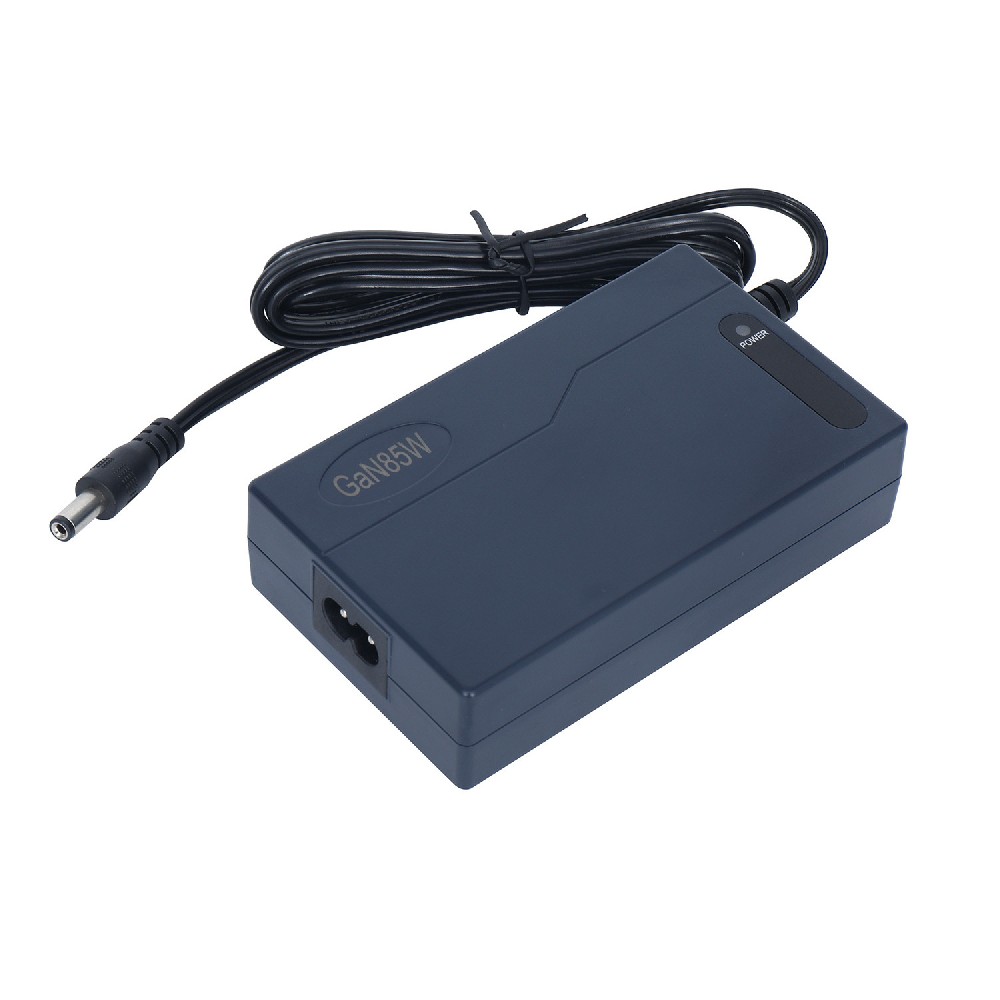
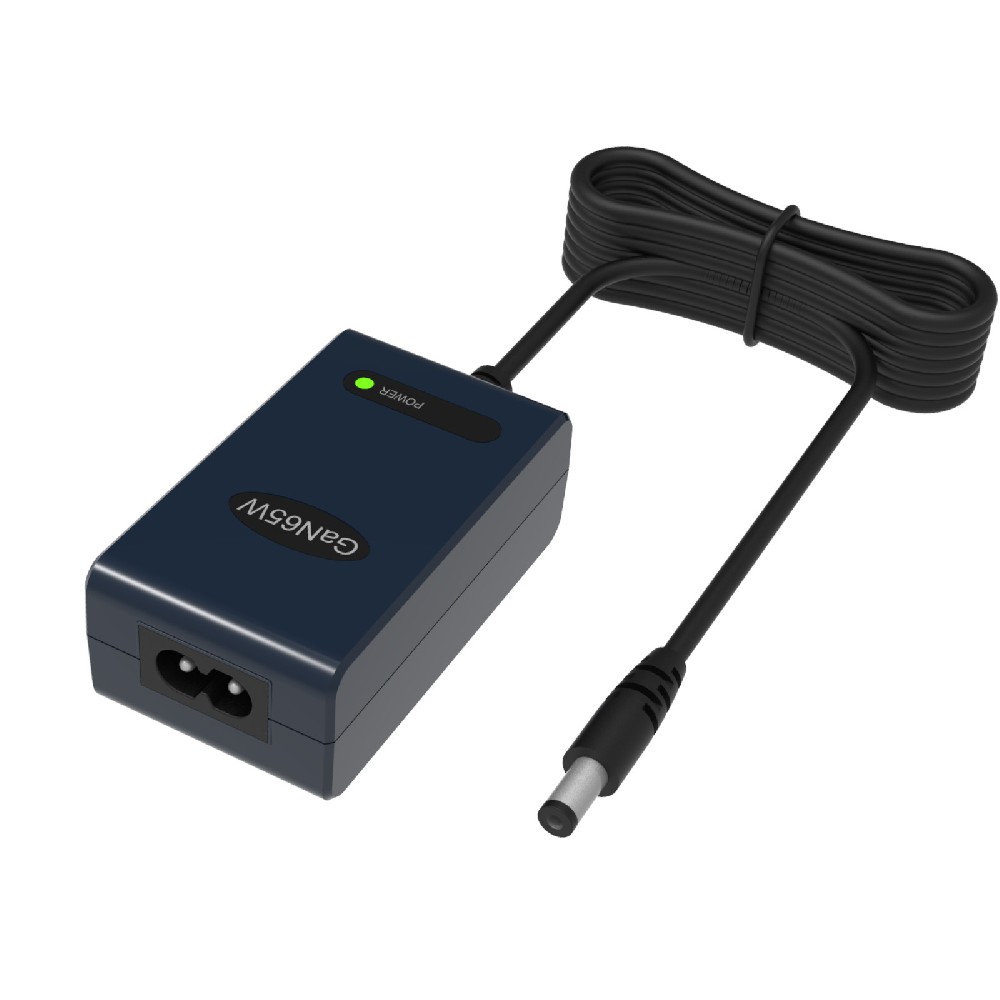
Most Li-ion battery chargers come with a cable that has a plug at one end and a USB port at the other. Connect the plug to the charger and the USB end to your device. Make sure the connection is secure and the charger is plugged into a power source. Once you have connected the charger, a small light on it will indicate that it is working.
3. Charge the battery fully
It is important to fully charge a Li-ion battery whenever possible. This helps to maintain the battery’s capacity and prolong its life. Most chargers have an indicator that shows the charging status - usually a red light when charging and a green light when fully charged. Some chargers also have a timer that shuts off the charging process automatically once the battery is fully charged.
4. Avoid overcharging
Overcharging can cause the battery to overheat, which can result in a fire hazard. Most Li-ion batteries have built-in circuits that prevent overcharging, but it is still important to avoid charging the battery for too long. As soon as the charging indicator turns green or the timer shuts off, unplug the charger from the power source and your device.
5. Don’t use the device while charging
Using your device while it is charging can cause the battery to heat up and reduce its lifespan. Therefore, it is best to avoid using your device while it is charging. If you need to use your device urgently, it is recommended to unplug it and use it until the battery is fully charged.
6. Store the battery properly
If you’re not going to use your device for a while, it is best to remove the battery and store it separately. Li-ion batteries should be stored in a cool, dry place, away from direct sunlight. Always charge the battery to approximately 50% before storing it, as this helps to maintain its capacity. It is also important to recharge the battery once every 2-3 months if it has been inactive for a while.
In conclusion, Li-ion battery chargers require careful handling to ensure that the battery is charged properly and safely. Always use the correct charger, connect it properly, charge the battery fully, avoid overcharging, don’t use the device while charging, and store the battery properly. Following these instructions can help you get the most out of your Li-ion battery and keep it functioning optimally for a longer period.

Power Adapter Design and Customization Guide for Portable Electric KettlesI. Common Design Types for Portable Electric Kettle Power AdaptersPortable electric ke···
I. Common Design Types of Power Adapters External Independent Type (Most Common) Design: A standalone adapter (e.g., "black brick") connected to the p···
Handheld Vacuum Cleaner Power Adapter Selection GuideIntroductionHandheld vacuum cleaners have become a mainstream tool for household cleaning due to their port···
Drill Power Adapter Selection Guide.drill-container { font-family: Arial, sans-serif; line-height: 1.6; max-width: 800px; margin: 0 auto; padding: 20px; } .dril···
